

Authentication
The Blinksale API uses API tokens (also called API keys) for authentication. This page explains how to obtain and use API tokens to access the Blinksale API.Obtaining an API Token
To get your API token:- Log in to your Blinksale account
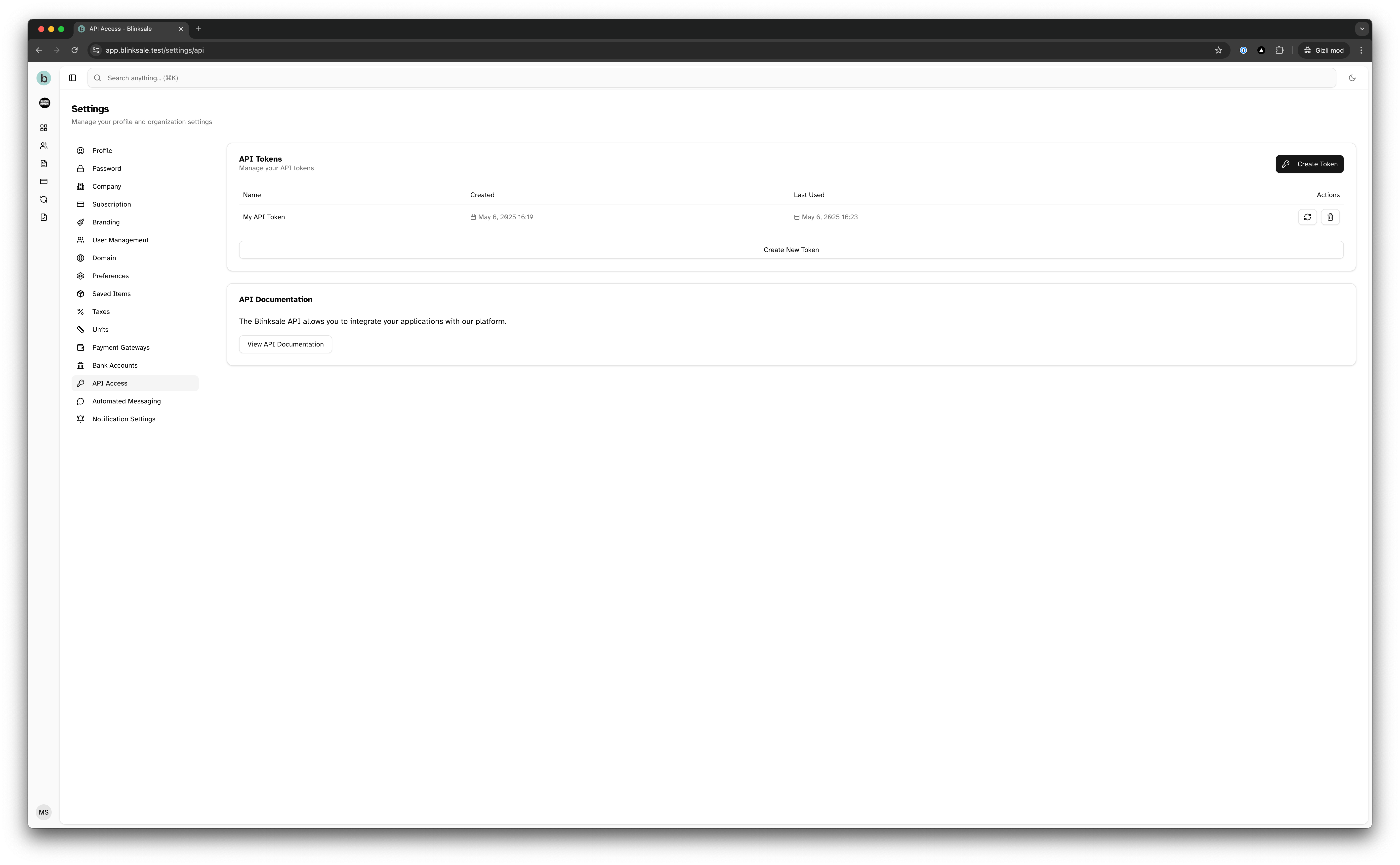
- Navigate to Settings → API Access (or go directly to https://app.blinksale.com/settings/api)
- Click on “Create API Token”
- Enter a name for your token (e.g., “My Integration”)
- Set permissions as needed
- Click “Create” to generate the token
- Important: Copy your token immediately and store it in a secure location. For security reasons, you won’t be able to view the complete token again after closing the dialog.
Token Permissions
When creating an API token, you can specify the permissions for that token:- Read: View resources but cannot create, update, or delete
- Write: Create, update, and delete resources (also includes read access)
- Send: Send emails (estimates, invoices, etc.)
Using Your API Token
To authenticate API requests, include your API token in theAuthorization header using the Bearer token scheme:
Example Request with cURL
Example Request with JavaScript
Example Request with PHP
Token Security Best Practices
- Never share or expose your API token in public code repositories, client-side code, or insecure locations.
- Store tokens securely in environment variables or a secure credential store, not directly in your code.
- Use specific tokens for specific integrations so you can revoke access individually if needed.
- Periodically rotate your API tokens to minimize risk in case a token is compromised.
- Grant only the required permissions to each API token following the principle of least privilege.
- Revoke tokens that are no longer needed to minimize potential attack surface.
Token Management
You can manage your API tokens from the API Access settings page:- View: See a list of all your active API tokens
- Create: Generate new API tokens for different integrations
- Delete: Remove tokens that are no longer needed
- Rotate: Replace an existing token with a new one when needed